
VR/AR
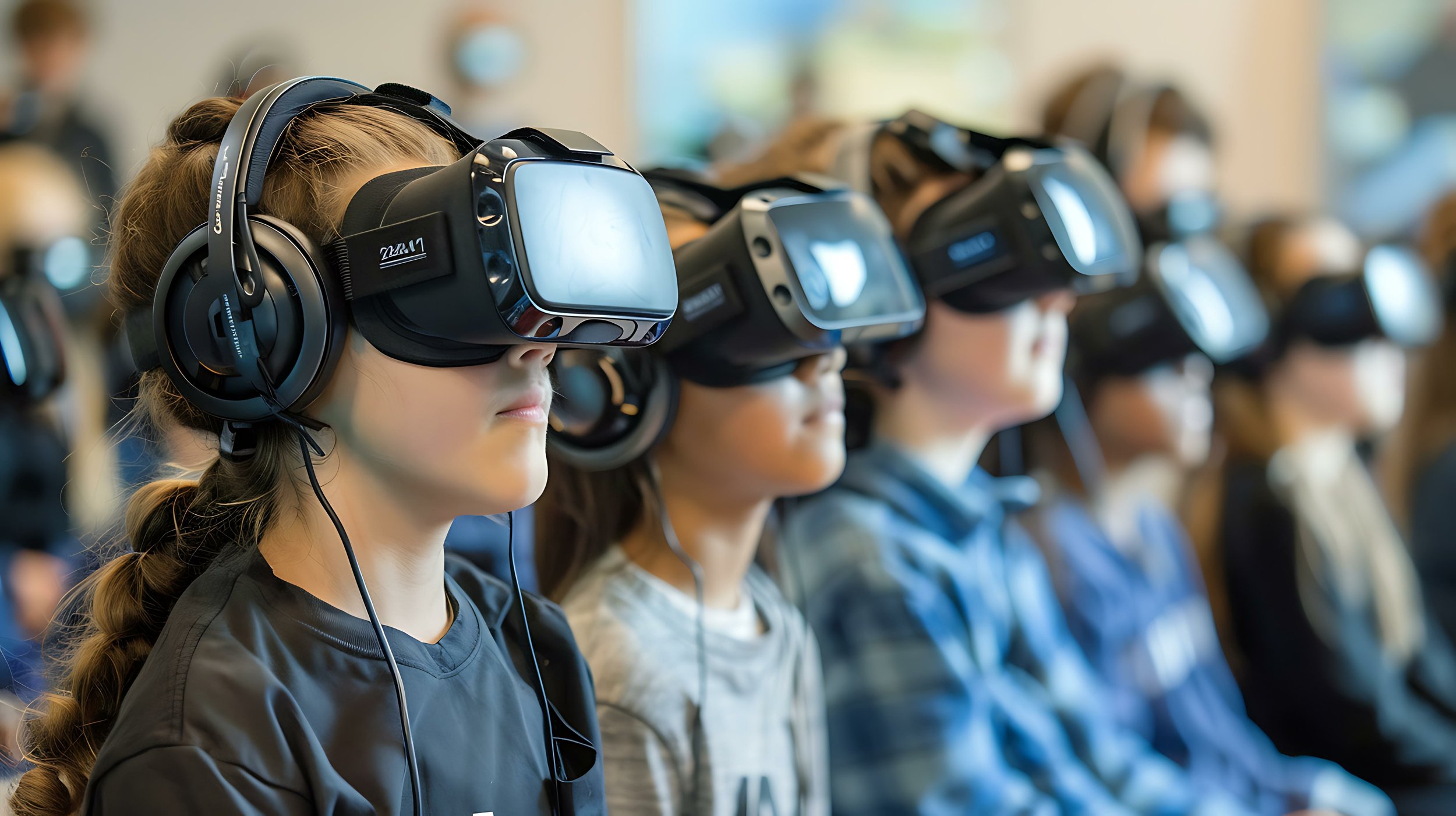
Create engaging, interactive learning experiences with VR (Virtual Reality) and AR (Augmented Reality), immersive technologies that allow students to explore virtual environments and visualize complex concepts.
Virtual Reality (VR) and Augmented Reality (AR) are transforming education by providing immersive, interactive learning experiences that go beyond traditional classroom instruction. VR allows students to explore simulated environments, from historical landmarks to outer space, while AR overlays digital information onto the physical world, enhancing real-world learning experiences. In education, VR/AR can be used to teach complex concepts in science, history, and the arts, offering students hands-on learning opportunities that deepen their understanding. These technologies foster engagement, creativity, and exploration, making learning more dynamic and interactive.
Solution: VR/AR
Ward’s MediaTech leverages decades of experience to vet technology partners, delivering top-tier advice to schools and districts.

Curriculum-aligned VR content for STEM education
Umety is a leading provider of immersive and interactive virtual reality (VR) content designed specifically to support educators and enhance the learning experience for students. With the world’s largest library of standards-aligned VR content, Umety offers educators a comprehensive range of grade and subject appropriate modules that are focused on the key concepts in their curriculum.
500 + interactive VR modules for STEM education
STEM learning is important for students today as it equips them with skills necessary for the modern workforce, and helps them to better understand and tackle real-world problems through technology and scientific inquiry. Our VR modules for science, technology, engineering, and mathematics (STEM) provide students with the opportunity to learn by doing, allowing them to experience extraordinary locations or environments in a way that is both engaging and informative. With Umety’s VR modules, students can explore the depths of the ocean, travel to outer space, or journey through the human body without ever leaving their desks.
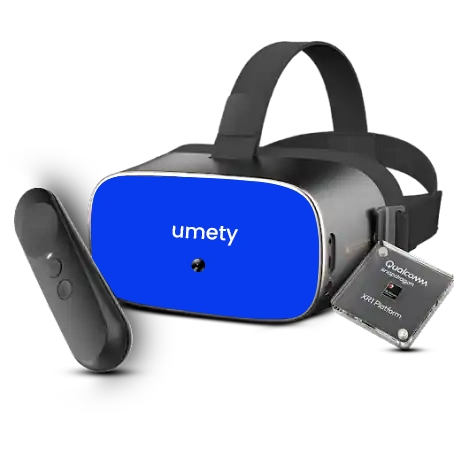
UmetyVR Headset for Education
A first-of-its-kind VR device specifically designed for educationUmety offers the world’s most comprehensive VR solution for education, which includes hardware specifically designed for education. The Headset is user-friendly and can be easily integrated into educational settings. It is a standalone headset that does not require a computer or smartphone to operate, which simplifies the setup process and eliminates compatibility concerns.

Behind the magic of zSpace
Tracking
Every zSpace system has tracking built into the display
Stylus
The zSpace stylus allows you to bring objects out of the screen as if they were real objects
Stylus Sensor Module
The Stylus Sensor Module (SSM) tracks the position of the Inspire and the stylus to create seamless, life-like 3D interactionszSpace Inspire Pro
Operating System
Windows 11 Pro 64-bit
CPU and Chipset
11th Gen Intel® Core™ i5-11400H processor
Memory
Dual-channel 32GB DDR4 SDRAM
Display
15.6" HD Display with IPS technology Ultra HD 3840 x 2160 in 2D mode, Acer ColorBlast technology, Pantone® validated, Delta E<2, 100% Adobe RBG color gamut, SpatialLabs 3D Stereoscopic module, 1920 x 2160 in 3D mode
Graphics
NVIDIA® GeForce RTX™ 3060 with 6GB GDDR6 VRAM
Storage
512 GB SSD, PCle Gen4, 16 GB/s, NVMe
Webcam
1280 x 720 resolution 720p HD audio/video recording
Eye-Tracking Camera
1280 x 480 resolution (VGA x 2) with SpatialLabs technology
Wireless and Networking
Intel® Wireless Wi-Fi6 AX201 802.11a/b/g/n/acR2+ax wireless LAN Supports Bluetooth® 5.1 Gigabit Ethernet, Wake-on-LAN ready
I/O - Ports and Connectors
USB 3.2 Gen 2, USB Type C / Thunderbolt 4, DisplayPort 1.4, HDMI port with HDCP support, SDCard reader, 1000mb Ethernet (RJ-45) port

Behind the magic of zSpace
Tracking
Every zSpace system has tracking built into the display
Stylus
The zSpace stylus allows you to bring objects out of the screen as if they were real objects
Stylus Sensor Module
The Stylus Sensor Module (SSM) tracks the position of the Inspire and the stylus to create seamless, life-like 3D interactionszSpace Inspire Pro
Operating System
Windows 11 Pro 64-bit
CPU and Chipset
11th Gen Intel® Core™ i7-11800H processor
Memory
Dual-channel 32GB DDR4 SDRAM
Display
15.6" HD Display with IPS technology Ultra HD 3840 x 2160 in 2D mode, Acer ColorBlast technology, Pantone® validated, Delta E<2, 100% Adobe RBG color gamut, SpatialLabs 3D Stereoscopic module, 1920 x 2160 in 3D mode
Graphics
NVIDIA® GeForce RTX™ 3080 with 8GB GDDR6 VRAM
Storage
1 TB SSD, PCle Gen4, 16 GB/s, NVMe
Webcam
1280 x 720 resolution 720p HD audio/video recording
Eye-Tracking Camera
1280 x 480 resolution (VGA x 2) with SpatialLabs technology
Wireless and Networking
Intel® Wireless Wi-Fi6 AX201 802.11a/b/g/n/acR2+ax wireless LAN Supports Bluetooth® 5.1 Gigabit Ethernet, Wake-on-LAN ready
I/O - Ports and Connectors
USB 3.2 Gen 2, USB Type C / Thunderbolt 4, DisplayPort 1.4, HDMI port with HDCP support, SDCard reader, 1000mb Ethernet (RJ-45) port
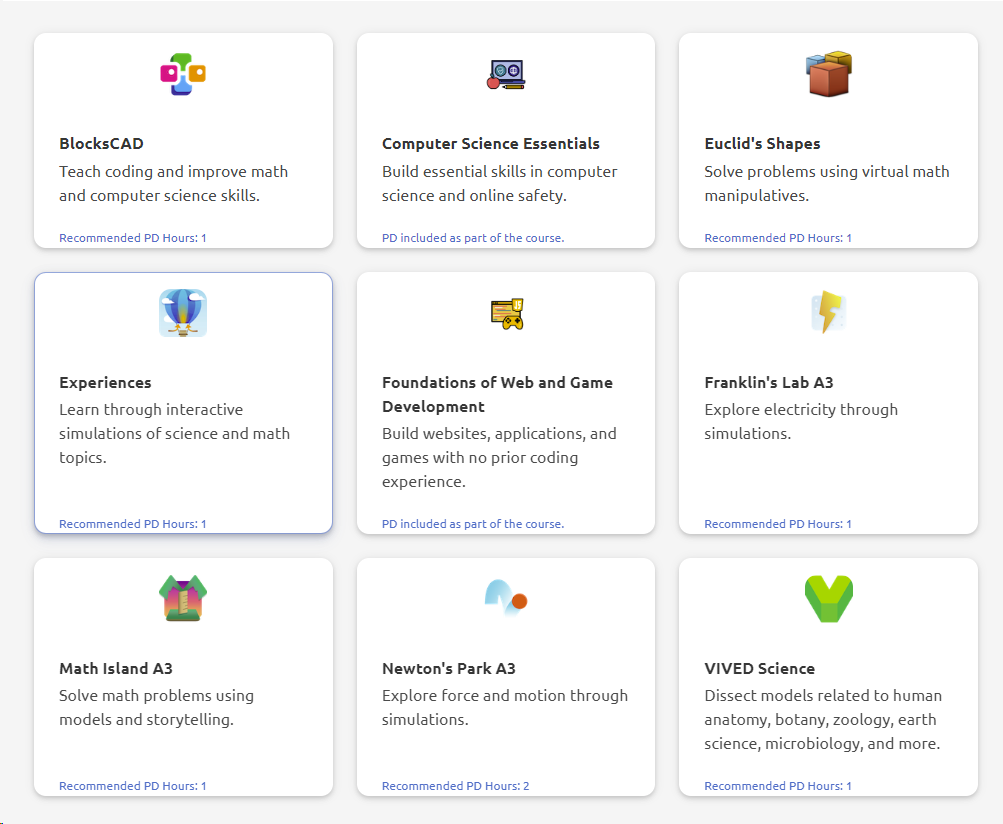
Offers immersive experiences in high-demand areas such as Career Exploration, Computer Science and Data Science, and Esports. In Career Exploration, students can visualize themselves in high-demand careers and develop the skills to succeed. In Computer Science and Data Science, zSpace enables students to explore coding, algorithms, and big data in an engaging, interactive environment. And for the next generation of esports enthusiasts, our platform provides a cutting-edge experience to develop skills regardless if you're a casual or competitive gamer or pursing a career in game development.

Transport Your Students Around the World Without Leaving the Classroom The Eduverse360 library opens the door to hundreds of thousands of 360° images and videos from across the globe. Experience the seven wonders of the world, from The Great Wall of China to The Colosseum, all without leaving your classroom. With Eduverse360 and ClassVR, taking students on a virtual field trip is easier than ever. Travel to distant places with your entire class without needing permission slips or worrying about financial costs. VR is a powerful tool for building students’ cultural capital. Eduverse360 can be integrated across the curriculum, providing a rich and engaging resource to captivate students and enhance their learning experience.

ClassVR – Virtual Reality Technology for the Classroom Designed specifically for students of all ages, our standalone virtual reality headsets come complete with everything you need to bring affordable, innovative virtual reality to the classroom.
Content and Classroom Management Platform
Designed to cater to the diverse needs of students, teachers, and administrators. Personalized user profiles Administrators can easily set up personalized user profiles for students, teachers, parents, school administrators and district / ministry. The intuitive dashboards for individual user profiles highlight important progress information and success metrics. User roles and permissions Administrators can easily set up personalized user profiles for students, teachers, school administrators, and even districts and ministries. You can also control information flow with profile management features, such as allowing one student to have WiFi ability (Gr 12 student), while not enabling that for another (14 yr old boy with unknown intent!).
Subscription management
Students are assigned to a grade and subject(s), and the relevant content is filtered to that student. If a student studies Grade 10 Biology (only), the VR modules for this subject are all that this student will see. The Grade 10 Biology teacher will automatically see this student’s results. This is structured by the curriculum.